
WhatsApp Tutorials
Professional guides, privacy tips, and advanced tricks for your WhatsApp account in 2026
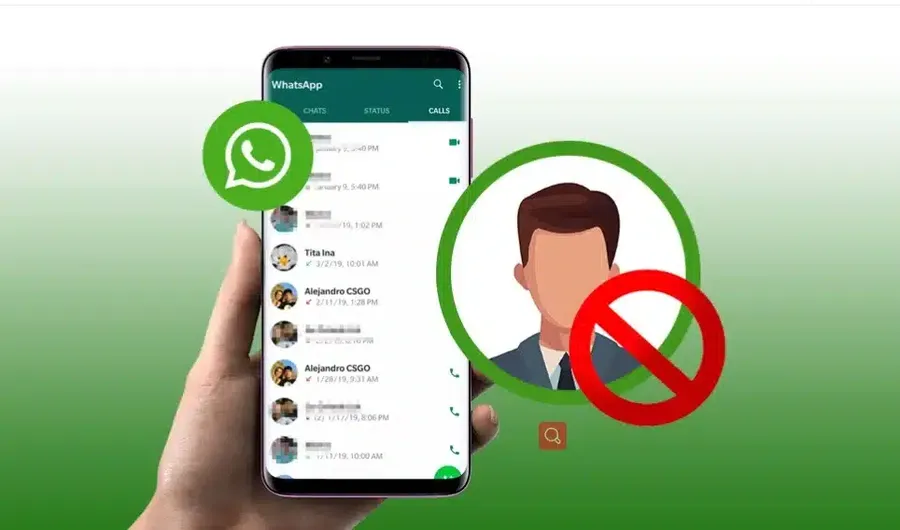
Learn how to stop unwanted messages by blocking contacts on your WhatsApp account easily.
Read Article →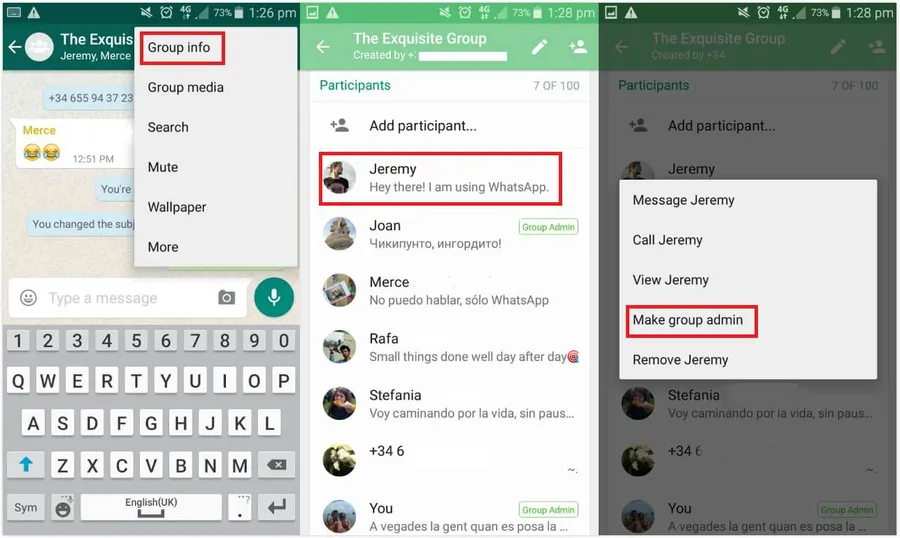
Easily manage your communities by learning how to create WhatsApp groups and assign group admins.
Read Article →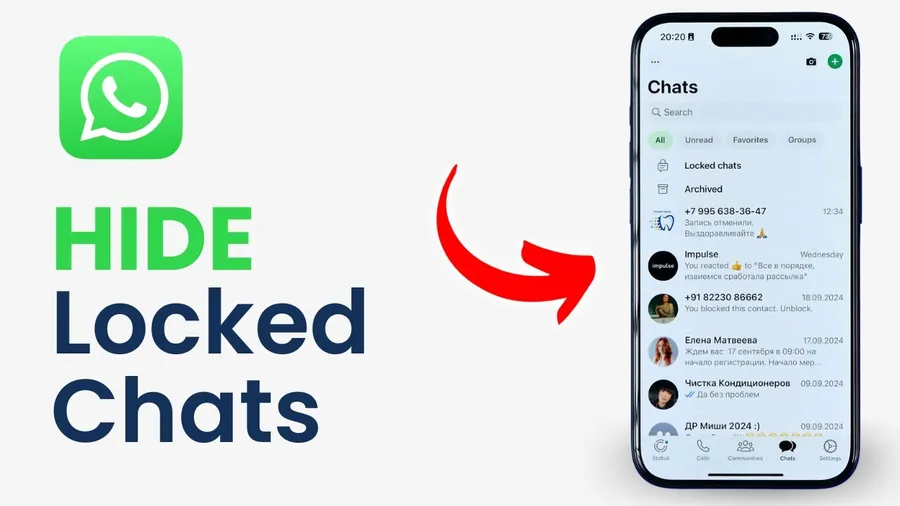
Keep your conversations private by learning how to hide or archive sensitive chats on WhatsApp.
Read Article →
Keep your conversations private by learning how to hide or archive sensitive chats on WhatsApp.
Read Article →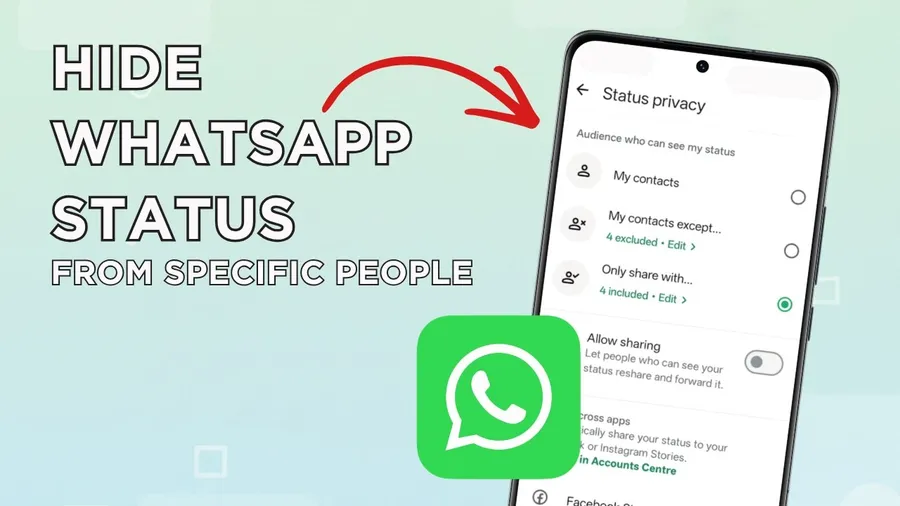
Control your privacy by choosing exactly who can see your updates on your WhatsApp status.
Read Article →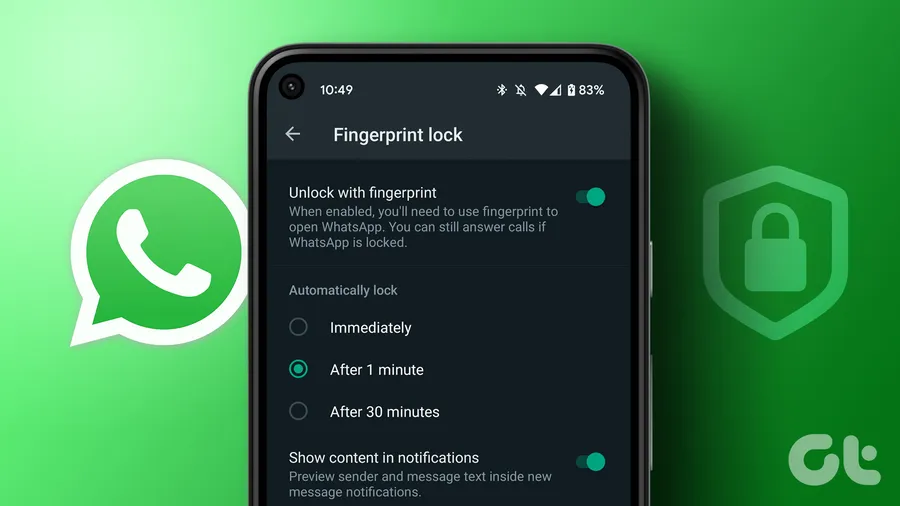
Enhance your security by locking your WhatsApp app with a fingerprint or personal passcode.
Read Article →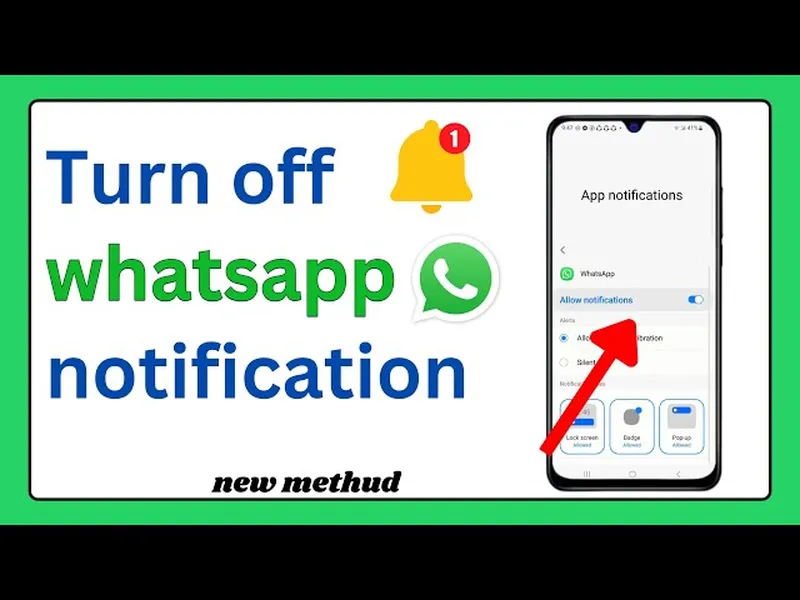
Enjoy peace and quiet by muting noisy notifications from specific WhatsApp chats or groups.
Read Article →
Can't find your locked chats? Follow this guide to recover and access your secured conversations.
Read Article →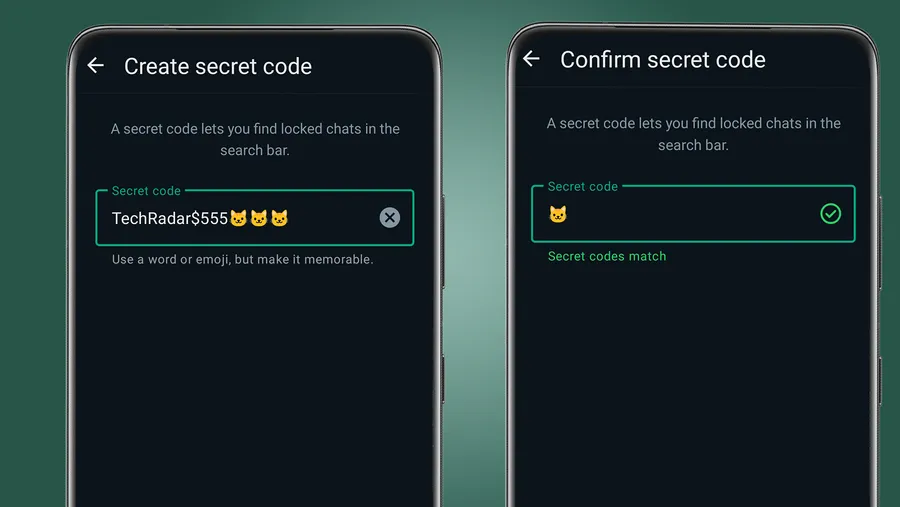
Easily manage your security settings by removing secret codes from your WhatsApp locked chats.
Read Article →
Accidentally deleted a chat? Learn how to restore your important WhatsApp messages from backups.
Read Article →
Protect your private messages and account by following these steps to keep hackers out of WhatsApp.
Read Article →
Don't lose details! Learn how to send photos and videos in their original, high-quality format on WhatsApp.
Read Article →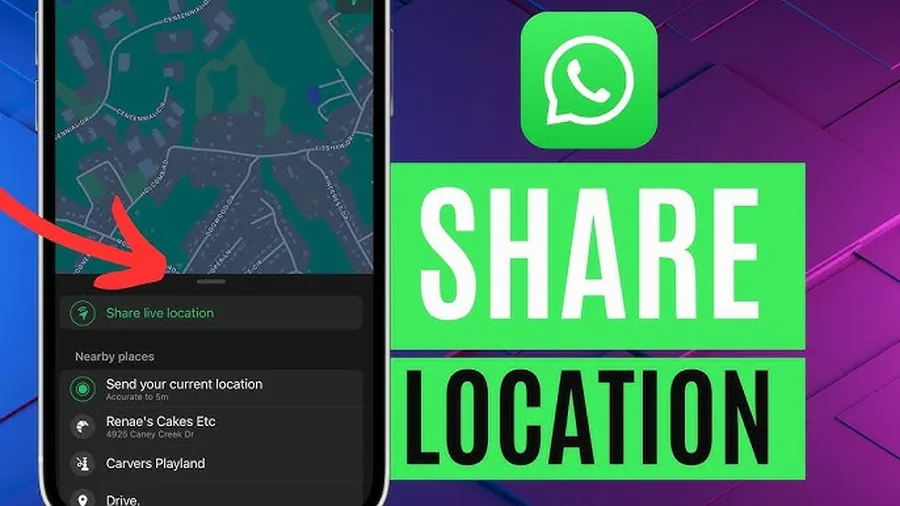
Keep friends and family updated on your whereabouts by sharing your live location on WhatsApp.
Read Article →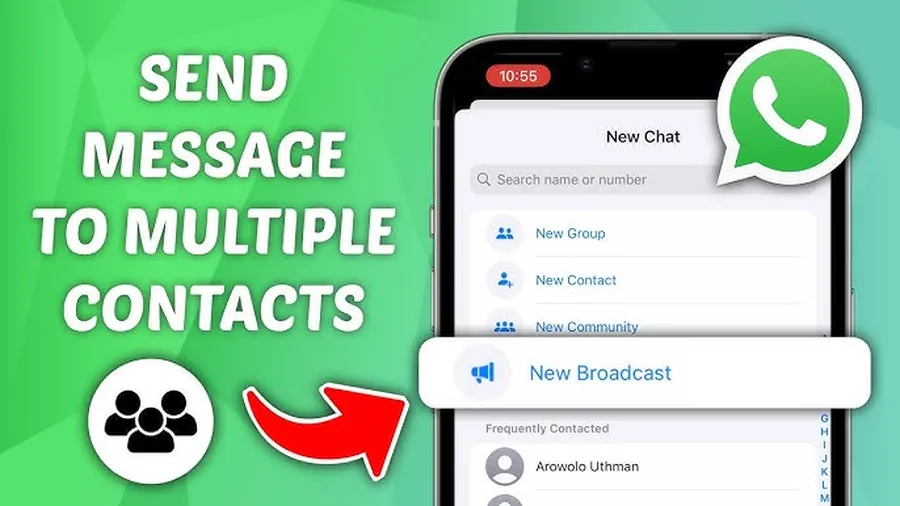
Save time by learning how to efficiently send one message to multiple contacts using broadcast lists.
Read Article →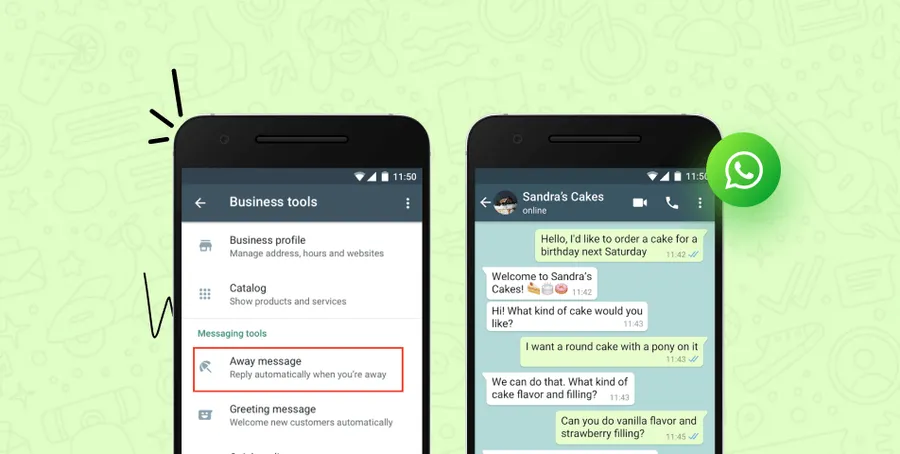
Improve customer service by setting up automated replies for your small business on WhatsApp.
Read Article →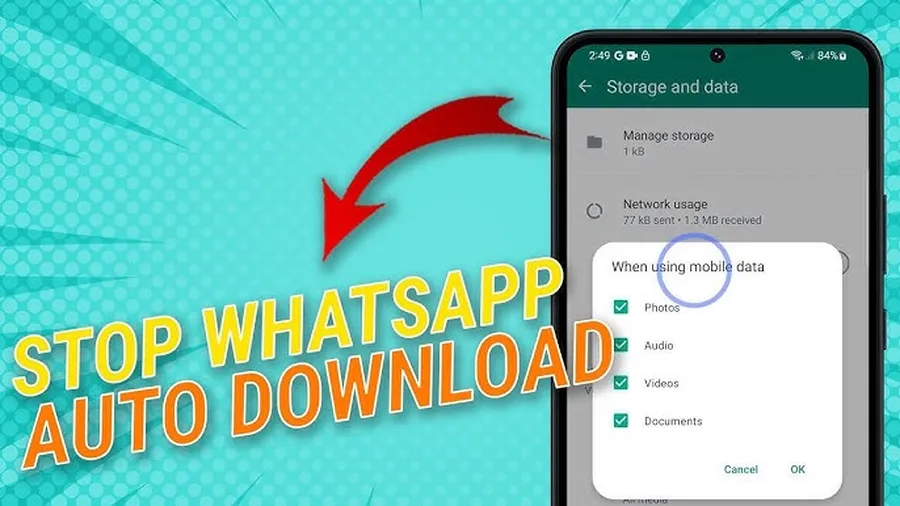
Save data and storage space by stopping WhatsApp from automatically downloading every photo and video.
Read Article →
Stop constant unwanted group invites by configuring your privacy settings on WhatsApp.
Read Article →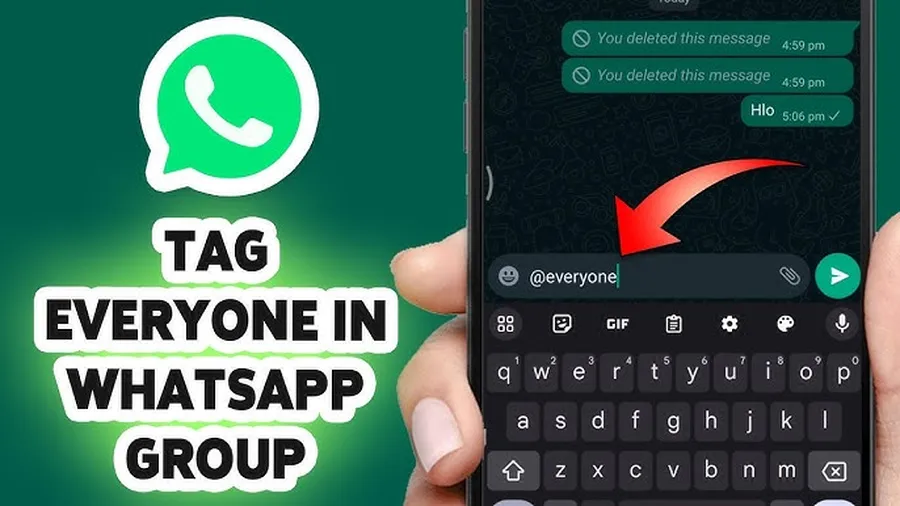
Get someone's attention quickly by learning how to tag or mention them in a WhatsApp group chat.
Read Article →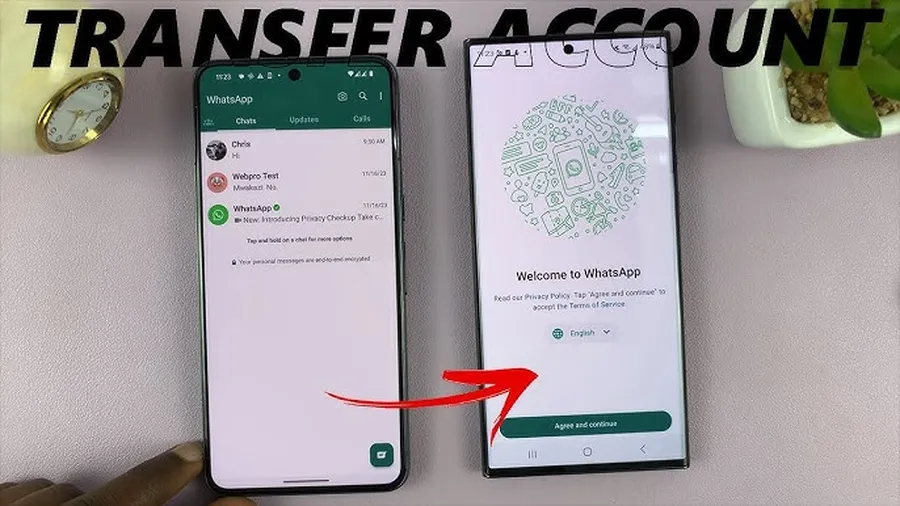
Switching devices? Don't lose your data. Learn how to transfer your WhatsApp chats to your new phone.
Read Article →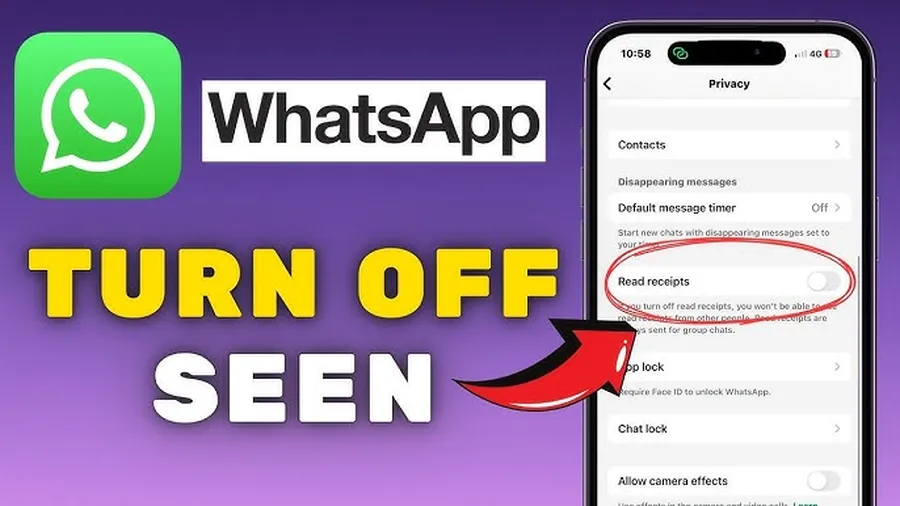
Read messages without letting others know! Learn how to turn off blue ticks on WhatsApp.
Read Article →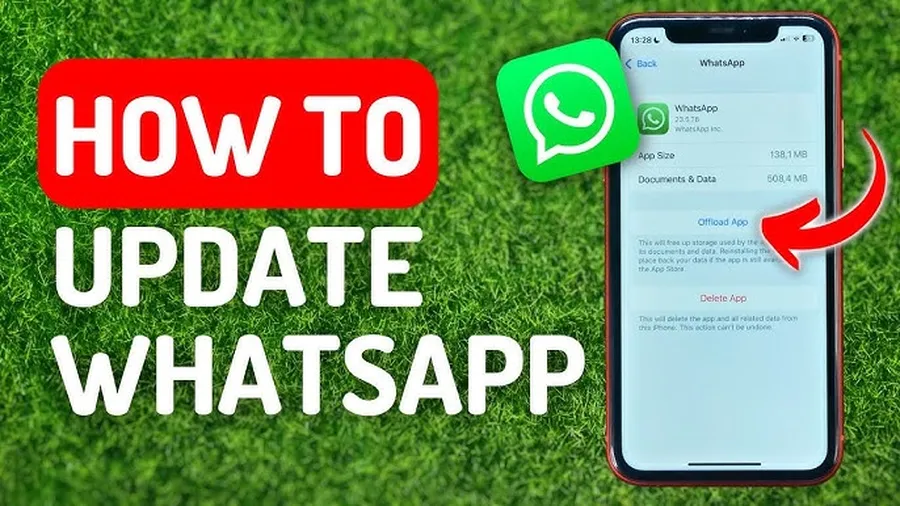
Stay current with the latest features and security updates by keeping your WhatsApp app updated.
Read Article →
Manage personal and work messages easily by using two separate WhatsApp accounts on a single phone.
Read Article →